Switch on Xero integration
Switch on Xero integration to enable the Xero tab on the client record. You can then connect your client's Xero account to IRIS Elements and view an executive summary of their financial data.
- Select the Admin settings cog icon.

- Select Integrations.
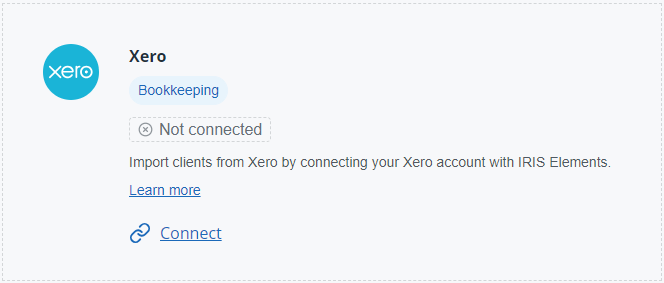
- From the Xero tile, select Connect.
- Enter your Xero credentials and select Log in.
 Want to know more?