Payroll year end process - IRIS GP Payroll
Step 6: Send your final submissions (EPS Only)
This process is only if you have not paid any employees in the final pay period.
-
Go to RTI Submissions > Send Employer Payment Summary (EPS).
-
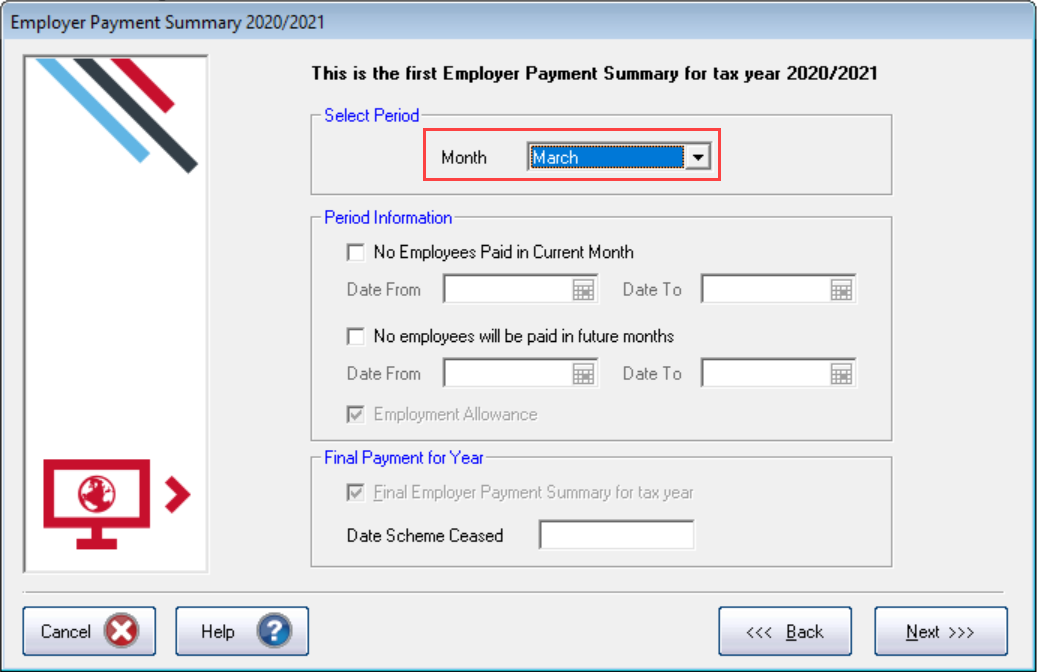
Check the month shows March and the Final Employer Payment Summary for the Tax Year is selected.
-
Select Next.
-
Check the figures on the Employer Payment Summary Values screen and amend them if necessary.
For example: You have employees payed using afferent software. These both have the same PAYE tax reference in each. If you are using IRIS GP Payroll to submit the final EPS, the EPS values must be combined before submitting.
-
Select Next.
-
Check the values on the Employer Payment Summary – Year to Date Values section. Select Print if you require an EPS Confirmation report.
-
Select Next.
-
Check the values.
-
Select Send.
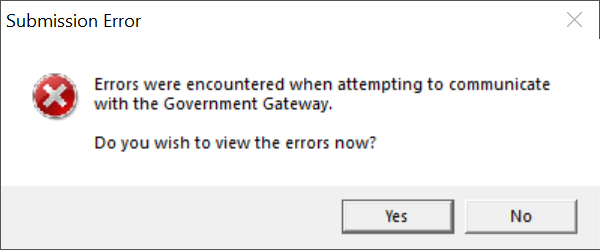
If you receive a Submission Error
 Troubleshooting:
| IRIS Knowledge base
IRIS Website |
Legislation guide
Help Centre |
Payroll facts and figures
Help Centre |
HMRC Service Availability
External link |
| Tel: 0344 815 5555 Support |
earniesupport@iris.co.uk Email Support |
Software downloads
IRIS Website |
IRIS 'One Number' guide
Help Centre |