Remove but keep a record of the relationship
Use when a company director has resigned or is removed from office.
Adding an end date (Effective to) to a relationship record "ends" the relationship on that date, but a record is kept of the relationship having existed.
- From the Clients menu, select Clients list.
- Change the client list view to either Active clients or a custom view that includes all relevant clients.
- Open the relevant client record.
- Go to the Relationships tab.
- From the vertical 3 dots menu of the relevant record, select Edit relationship.
- Enter an Effective to date.
- Select Save & return.
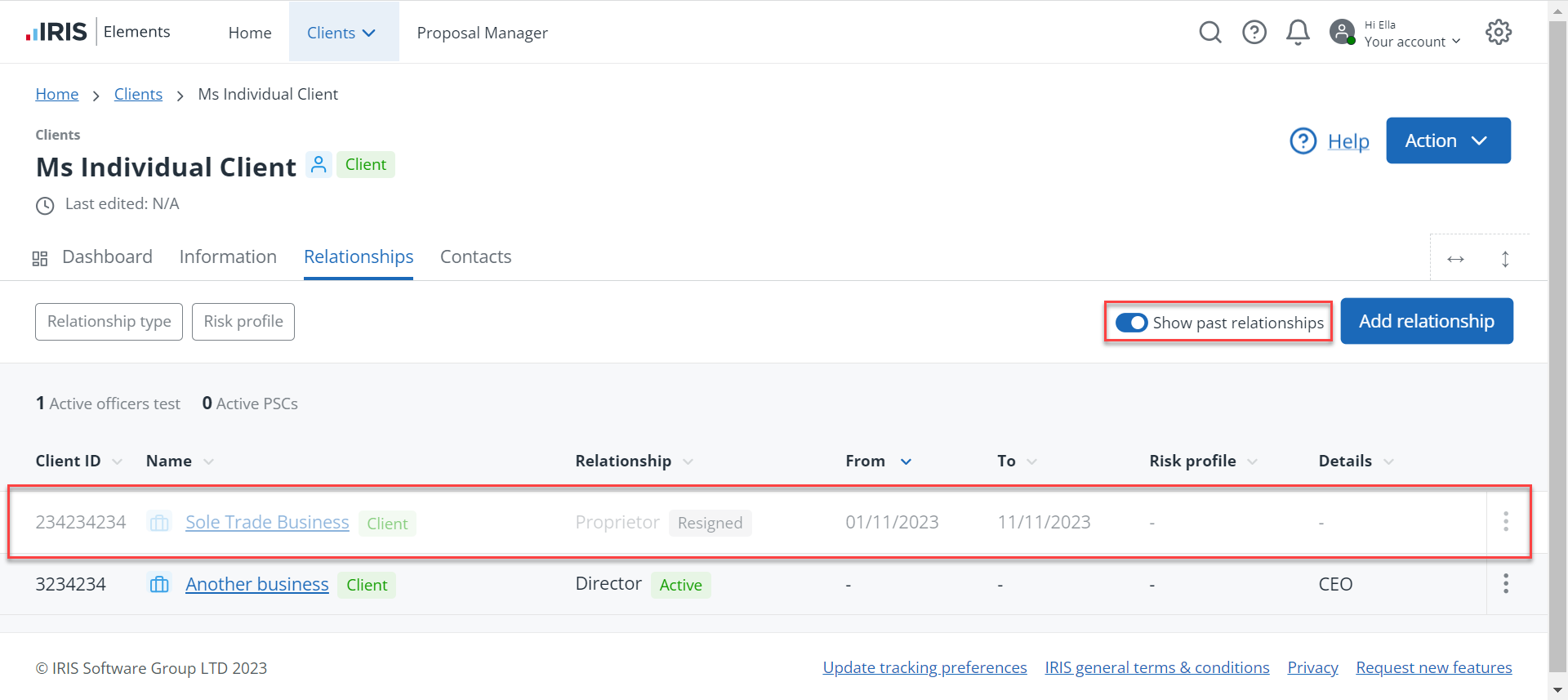
When the Effective to date occurs, the relationship is removed from the Relationships list of both clients. To view the record, select the Show past relationships toggle.
 Want to know more