Step 13: Send P45 to leavers
Step by step guide to running a payroll
Send a P45 A P45 is a document issued by an employer to an employee when they leave a job. It shows details about the's employment, including their start and end dates, how much they were paid, and how much tax they paid during their employment. The is made up of four parts: Part 1 is sent to HM Revenue & Customs (HMRC), Part 1A is kept by the employer, and Parts 2 and 3 are to the employee as a record of their earnings and tax paid. The P45 is an important document that employees need to give to their new employer when they start a new job as it provides information about their tax code and previous earnings, which helps the employer calculate their tax and National Insurance contributions. to any employee who left during this pay run. If there are no P45s to send, skip this step and go to Step 14: Pay the employees.
If an email address is on the employee record, the P45 is emailed from within the system and the box confirming the P45 was sent is selected automatically. If they do not have an email address in Every Payroll, send it manually:
-
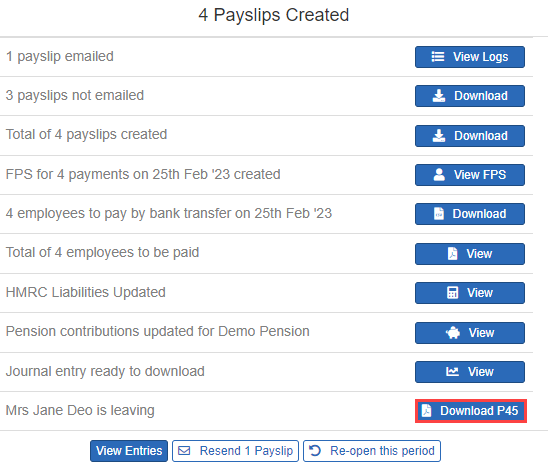
Select Download P45.
Step 14: Pay the employees.