Step 14: Pay the employees
Step by step guide to running a payroll
If employees paid outside of the payroll, for example using online banking, use the Total of employees to be paid report to confirm the amount due.
Required payments report
-
Go to Total of employees to be paid, then select View.
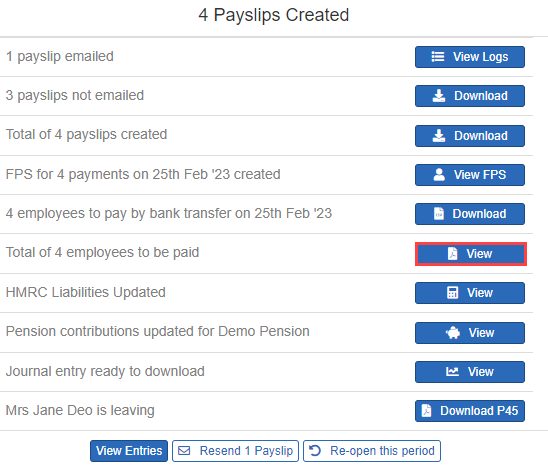
- Select Preview.
-
To download a copy of the report, select Download as, then select an option:
-
PDF.
-
CSV (all entries).
-
Payments file (for bank payments).
-
Produce a bank payments file
To make payments, download the bank payments file to upload the information directly to the bank.
-
Next to employees to pay by bank transfer on, select Download.
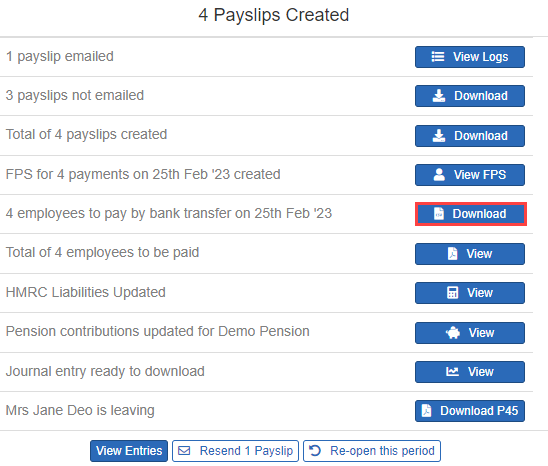
-
Save the file and upload it to the bank.
Step 15: Produce pension letters.