Unallocating Posted Documents
A document will need un-allocating or un-reconciling before any changes can be made to them.
-
Select Options > Document Enquiry from the main menu.
-
Enter the details for the document you need to unallocate and select OK.
-
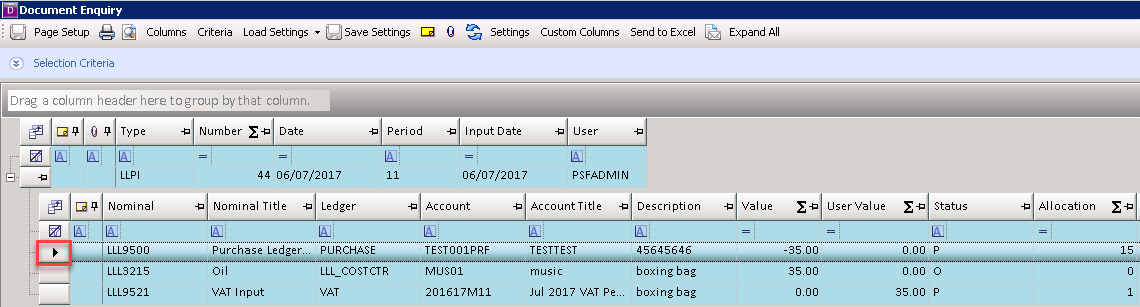
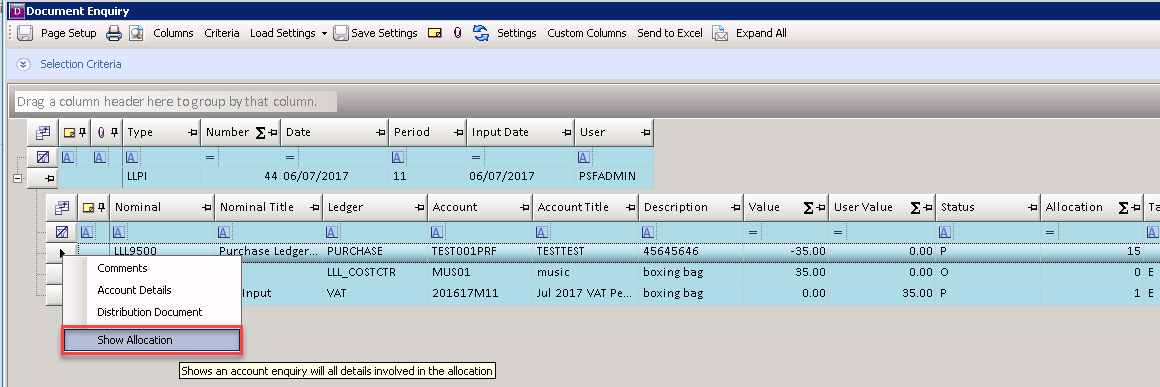
Right-click on the grey box against the line you need to unallocate and select Show Allocation.
Allocated lines display P in the Status column. If Show Reconciliation is displayed, refer to Unreconciling Transactions .
-
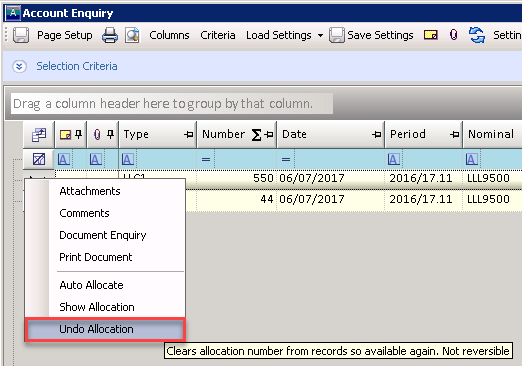
The Account Enquiry dialog displays the allocated documents. Right-click on the grey box against any of the transactions and select Undo Allocation.
-
The line is unreconciled. Repeat for any other lines required on the document.
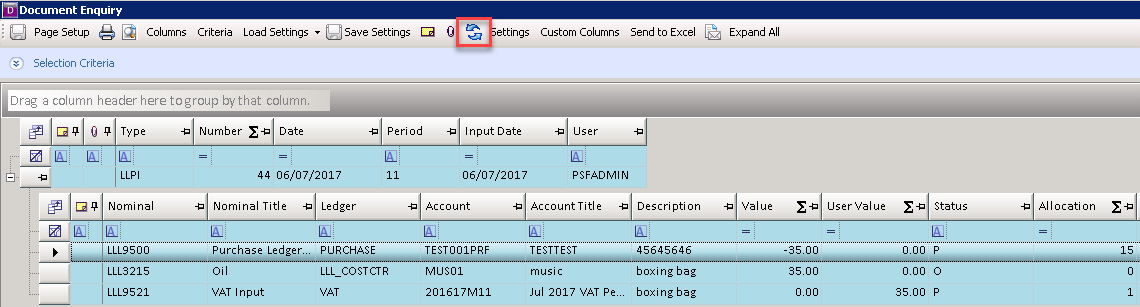
Refresh the document to check which lines are now unallocated.