Remove catalogues
Catalogues can only be removed from IRIS Financials Purchasing version 6.0.0.53 or newer.
To make sure only new items appear when creating purchase orders, before importing a new supplier catalogue, remove the current one.
Catalogues can only be removed if you have administrator permissions for IRIS Financials Purchasing.To request access or get a catalogue removed, contact your system administrator.
-
In IRIS Financials Purchasing, select Settings.
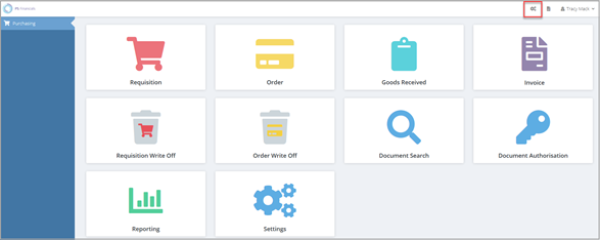
-
In Maintenance, for Remove Catalogue, if known, enter the Catalogue Code, then select Search. Alternatively, to display the catalogue list, select Search.
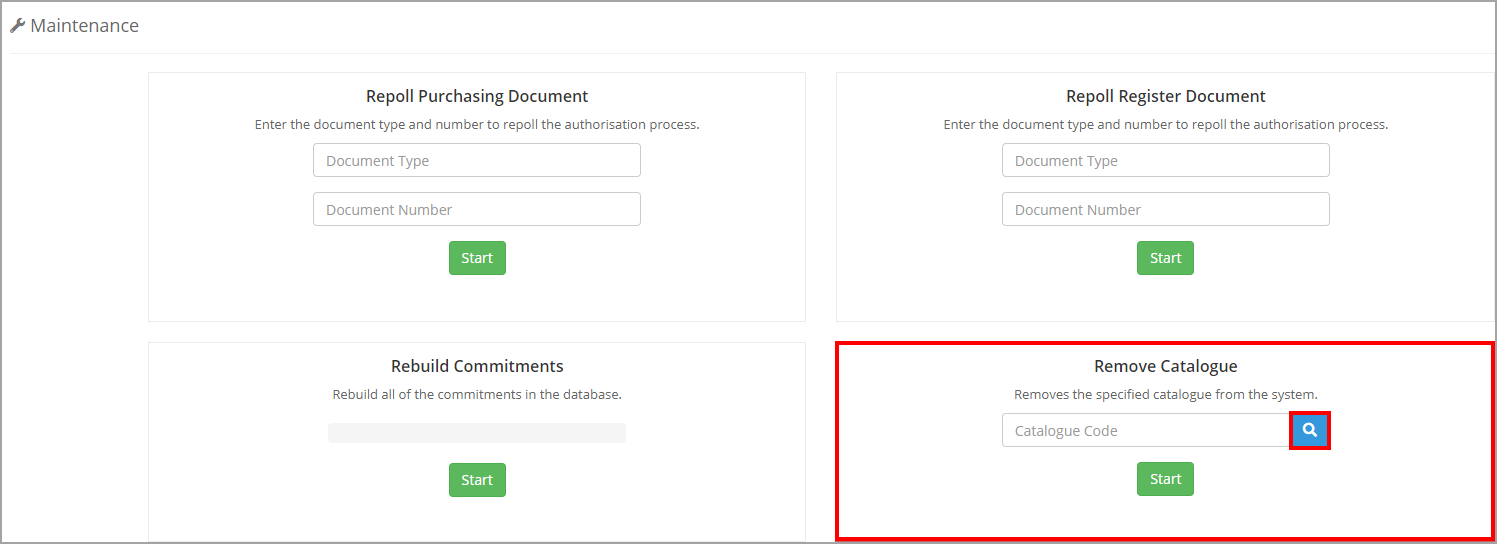
- Select the required catalogue.
- For Remove Catalogue, select Start.
- To confirm the removal, select Yes.