Produce budget reports
You can produce various budget reports in the Reporting Suite. For example, produce a report to review the performance of the budget, or after you import budget details.
This topic gives an overview of the available budget reports and explains how to produce them.
- Go to
- The IRIS Financials Reporting Services Browser opens. The budget reports are in the General Reports and Budget Holder Reporting sections. For detailed instructions for the budget reports you use most, go to Budget report types.
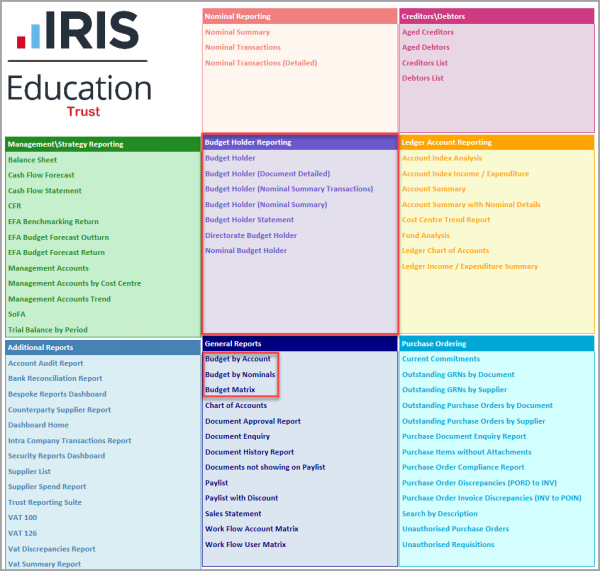
- Select the report you need to show the selection criteria section of the IRIS Financials Reporting Services Browser, then select View Report.
- The report opens. To save a copy of the report, select the Save icon, then select an option from the list. To print a copy of the report, select the Print icon.
Budget report types
Different reports give you different types of information about your budgets.