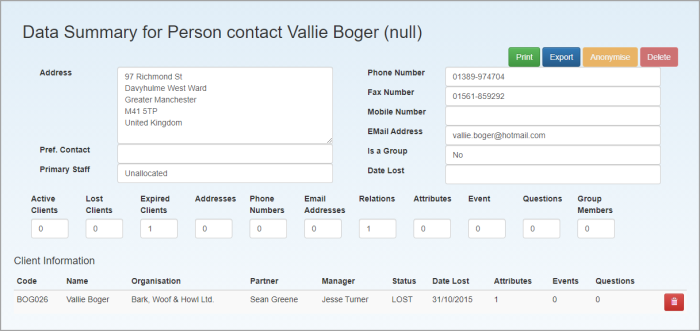
View expired data
IT Manager Practice Admin
The Expired Contact and Client Data page displays all contacts or clients that have been inactive for longer than the system retention period. It is accessed by selecting Admin > Task Pad from the menu, then clicking Expired Data.
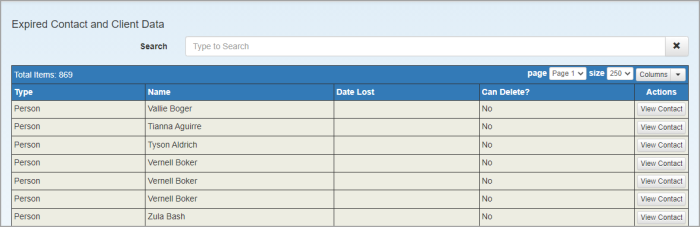
Clicking the View Contact button to view the Contact Data Summary page.