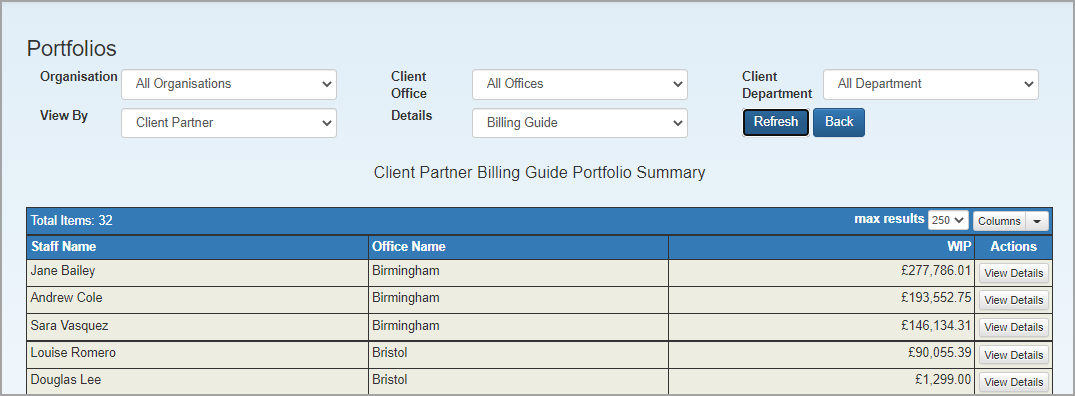
Main portfolio summary
This portfolio provides financial information about the organisation which will be based on the criteria and options chosen.
-
Select Portfolios > Main Portfolio Summary from the menu.
-
Select the required Organisation, Client Office, or Client Department. The totals displayed will only be derived from clients connected to the selected criteria.
- Select how you want to view the list by from the View By list.
- Finally, choose what type of information to display from the Details list. The content of this list will vary depending on what has been selected in the View By list.
- To view the list, click Refresh. You can change the grid display in the usual way.