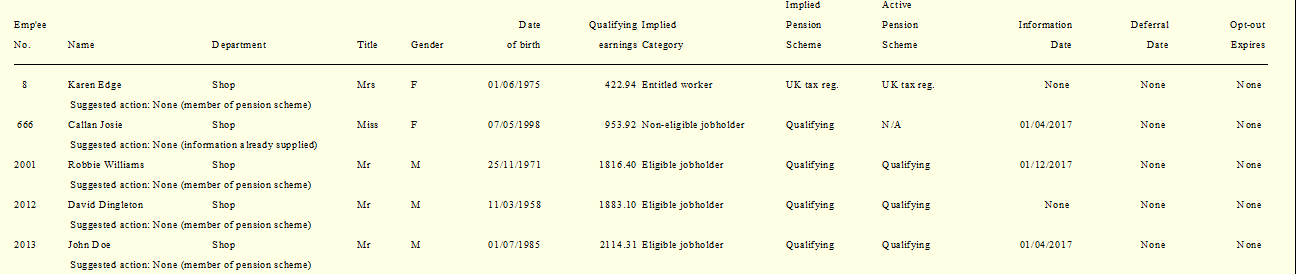
Produce a full assessment report
This gives the user an overview of all employees on the payroll and their current status under Therefore, it will not just show actions required in the current month but also actions that have been taken historically as well as actions that may be required in the future
There is also an option to run this report with the data sorted into category order (Entitled Workers, Non-Eligible workers and Eligible Workers)
-
Click on the Payrun icon.
-
Go to the Reports menu and select Pension Reform, then Full.
-
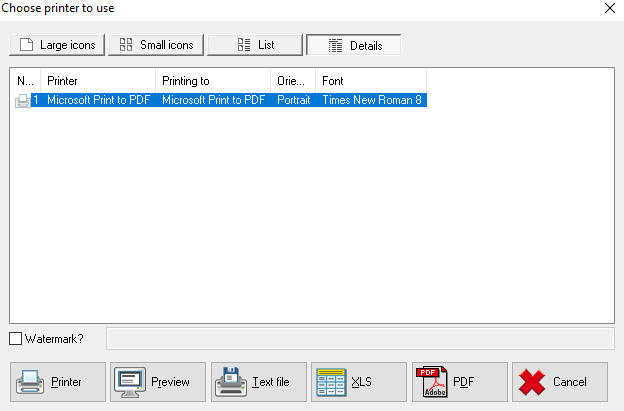
If you wish to sort the report by category, select Full By Category. Select the printer and / or output method as required.
-
Choose the required print sequence and click OK. The report will be generated.