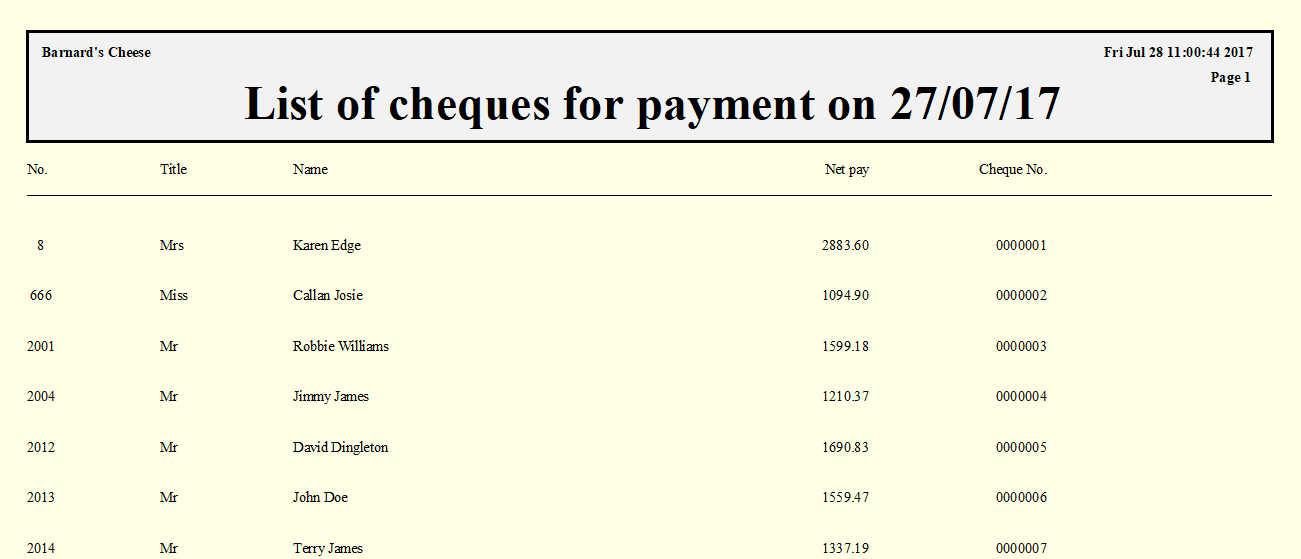
Print substitute cheques
The option to print cheques is a safety measure in case the BACS transmission cannot be completed. This option will print cheques for all payments that should be made by BACS.
Please note that you must have a cheque layout created in the System Setup module in order to print cheques.
-
Click on the Payrun icon.
-
Go to the Payments menu and select BACS Transfers, then Print Cheques Instead.
-
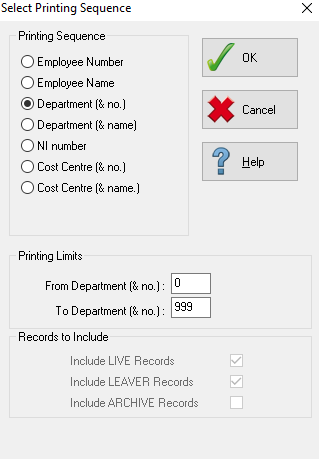
Select the printing sequence for the cheques then click OK.
-
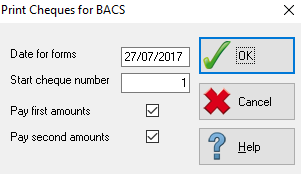
Enter the date for the cheques in the Date for Forms field, and the initial cheque number in Start Cheque Number. You can print cheques for first bank accounts, second bank accounts or both, select which accounts to produce cheques for using the checkboxes.
-
Click OK to continue and produce the cheque listing.