Permanent addition & deductions payments CSV
-
Open the required company.
-
Go to Employees.
-
Select Import.

-
Select Permanent Addition & Deductions Payments CSV.
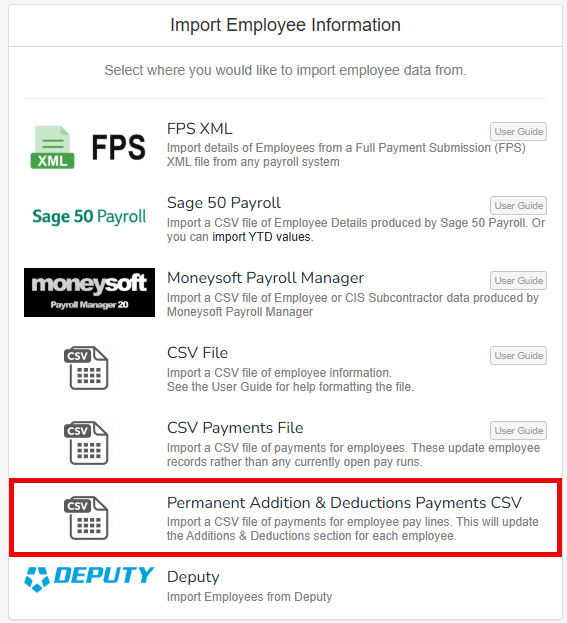
-
Drag, or search for, your prepared file.
Once your file has been selected or dragged, the import process will happen automatically without preview.
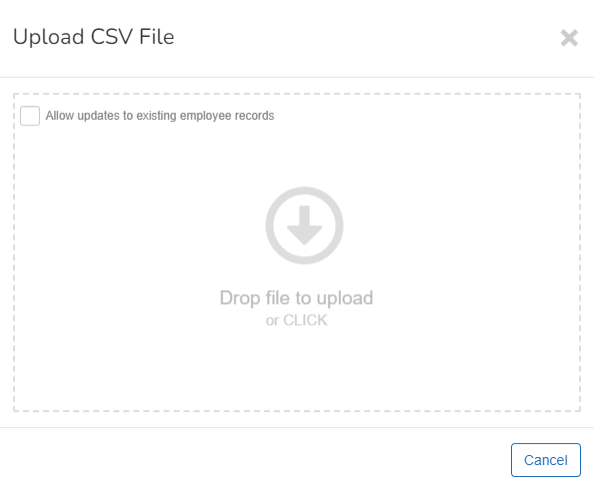
Once the automatic import process has completed, you receive either a success message, or a failure message. Please review the failure reason, and make any relevant changes to your prepared file before trying again.
What are the column headings?
Good to know...
-
If a pay line is imported without a unique ID - this will create a new pay line.
-
If the effective date is same within the existing payline then update the line.
-
If the effective date is different within the existing payline then replace the line.