Forgot password email not received
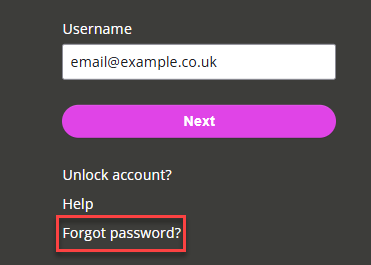
If you select the Forgot Password link on the sign-in page but don't get a reset email, follow these steps:
-
Wait 10 to 15 minutes. The email usually arrives within a few minutes, but sometimes can take longer
-
Check your spam or junk folders. The spam filter may have flagged the reset email by mistake
-
Check if your organisation holds spam for review. You may need to release the email or mark it as safe
-
Try again. Go back to the sign-in page and select Forgot Password a second time
If you still don’t get the email, the system may have linked your address to more than one account. This stops the system sending the reset email.
How to fix it
Ask your admin to:
-
Remove your email from any other account records, or
-
Add a new email address to your record and send you a new invitation email.
After receiving the invitation email, you can set your password and sign in.