I have an IRIS Identity account: first time signing in to IRIS HR Professional
If you already have an account for another IRIS software product, such as Staffology Payroll, you use IRIS Identity to sign in. IRIS Identity is a single sign-in system for IRIS Software Group's cloud products.
Sign-in steps
You should have received an email from your system administrator inviting you to access IRIS HR Professional through a link in the email. This link is unique to you and is required to set up your IRIS HR Professional access with your existing IRIS Identity account.
-
Open the email from your system administrator and select the link.
-
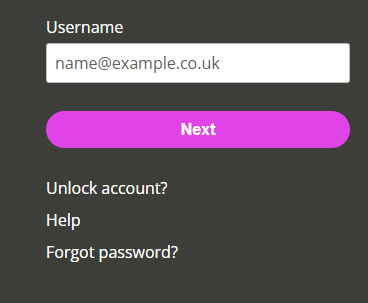
Enter your Username and select Next.
-
When the IRIS Identity sign-in screen opens, enter your password.
If you have forgotten your password, reset it on the IRIS Identity sign-in page, not IRIS HR Professional's sign-in page. After creating a new password, reopen the email from your system administrator and select the link in the email to complete the setup of your account and follow the remainder of the steps in this topic.
-
You may need to verify your account. Choose your preferred verification method and follow the instructions.
-
The system verifies your username and password, and automatically signs you in to IRIS HR Professional.