The Things you must do area of the portal notifies your client of any tasks, forms, or documents you've uploaded for completion. The number of items awaiting completion shows in red.
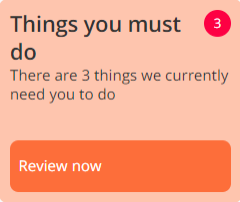
Available items include:
- Documents — Documents that you have sent to your client
- Requires signature — Documents you have uploaded for requesting a signature
- Forms — Forms you have sent for completion
- Requires upload — Request you have made for documents the client must send to you (upload to the client portal)
- Manual — Manual tasks you've created, such as reminders
- Questions — Responses you've made to questions