These are the types of task that you can assign to clients in the client portal:
| Task type | Description |
| Manual task | A simple reminder task |
| Fill in a form | Presents a form for a user or client to fill in |
| Upload documents | Securely upload a document |
| Electronic signing | Requests a signature from your client |
These items are generated by the tasks you create in Jobs in IRIS Elements Practice Management.
You'll receive an email and a notification is displayed in IRIS Elements when your client completes the task.
- Go to a job and add a new task for your client to complete. Alternatively, select an existing task.
In this example, you want your clients to upload ID documents at a certain stage of the job — from the Type of task list, select Upload documents.
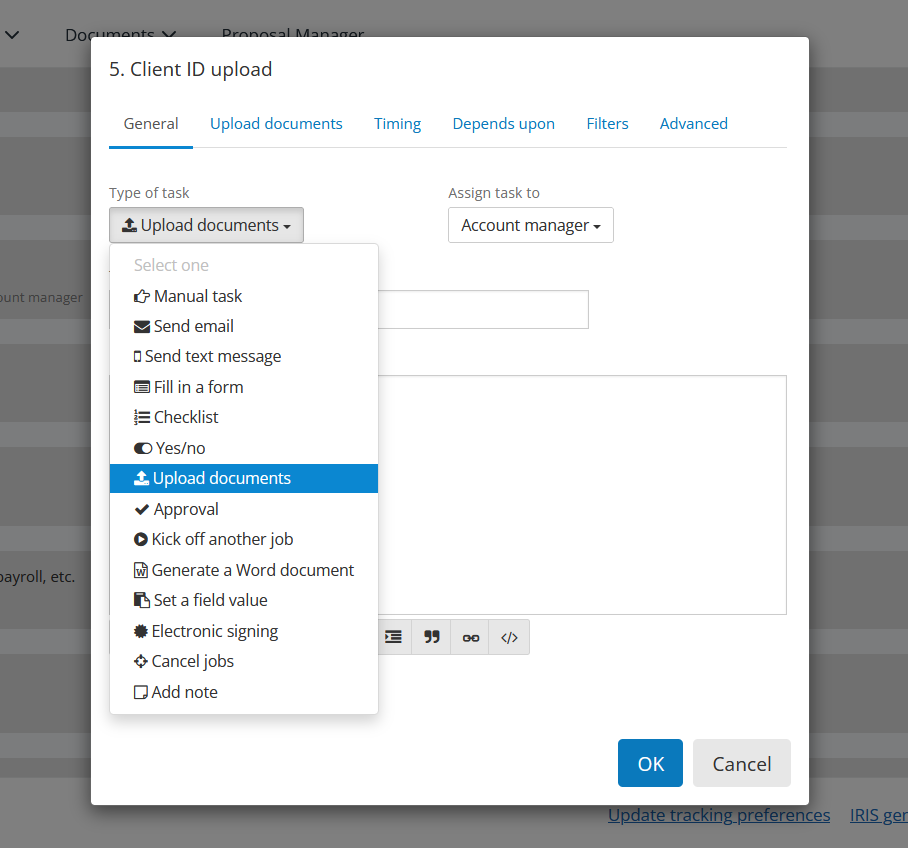
- From the Assign task to list, select Client - all contacts.
This assigns the task to the client portal for that client.
If you have set up client contact roles, you can specify the type of contact role here (for example, you might want to assign a payroll-related task to payroll managers).
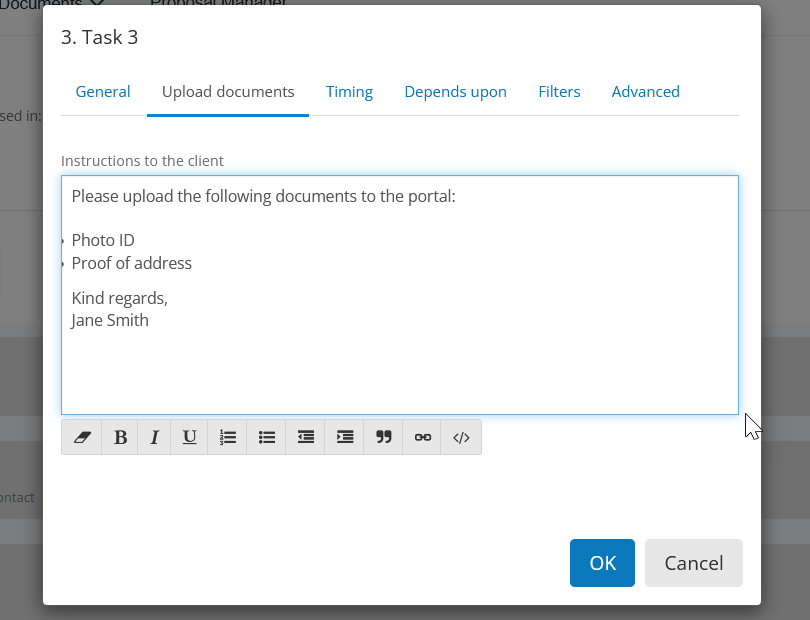
- Assigning a task to a client will create an additional tab where you can include a message to your client.
In this example, we have an Upload Documents tab, where you can specify the documents needed from your client.