Change Sign In Details
If you update your email address, you must use the new email address to log into your account.
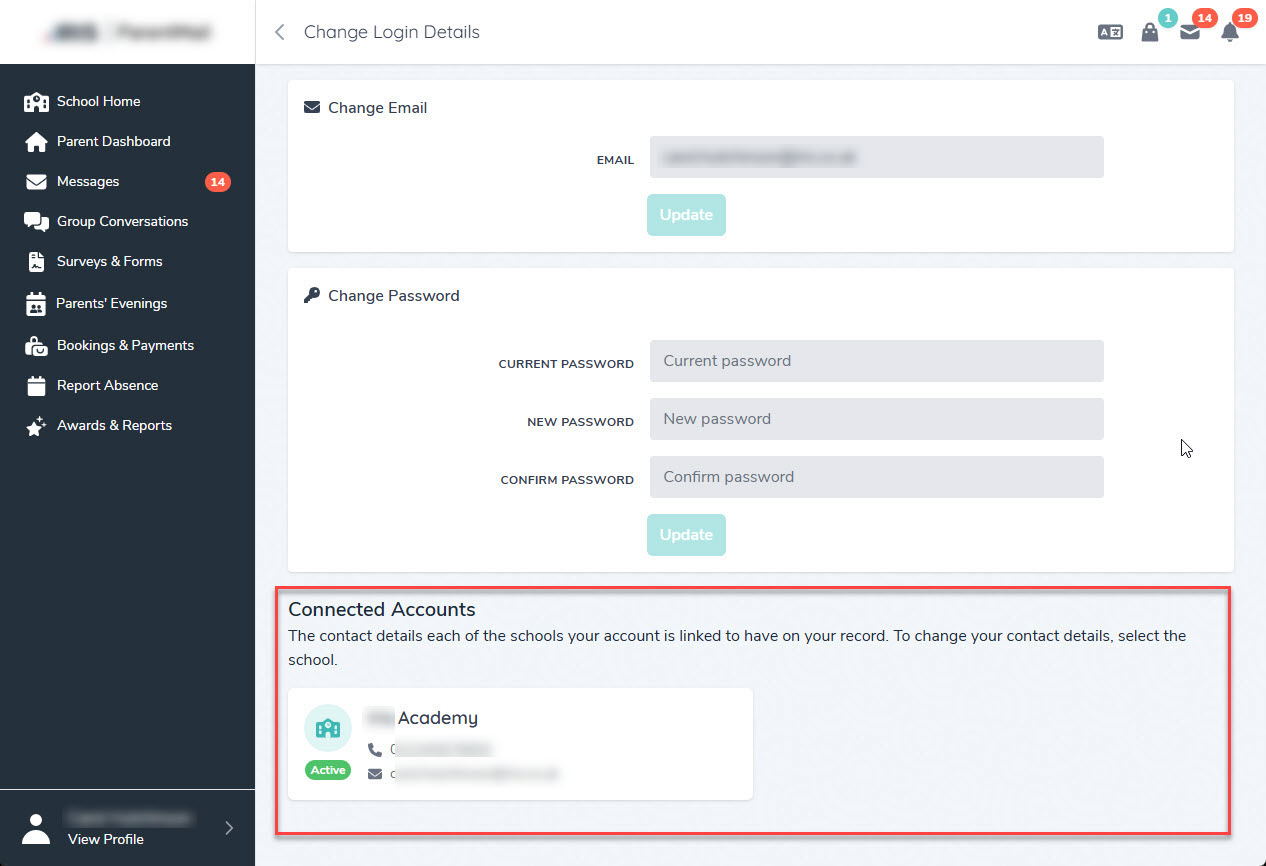
- Go to View Profile, then select Change Login Details.
- Change the required details.
- To save, select Update.
Your details are only changed for the organisation selected. If linked to more than one organisation, select relevant option from Connected Accounts, then follow the steps again to change your details.