Change connection to your test database or another company
If your establishment/organisation has multiple company databases or a test database for IRIS Financials, you can change connection within the software without having to login again to another database.
- Select Home, then select Change connection from the menu.
- The Change active company window opens. Select the database to which you want to connect, then select OK.
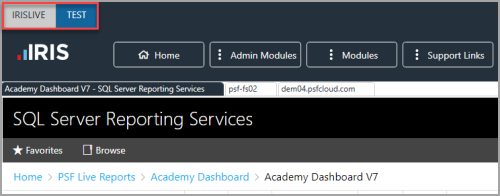
- The IRIS Financials Dashboard appears. The name of the database and company that you are now logged in to appears in the top left-hand corner.