Set how discounts are calculated
In IRIS Financials Purchasing, you can calculate discounts on a percentage or value basis. In a majority of cases, percentage is the required method as most suppliers offer discounts as a percentage. The percentage method is the default, but you can change it as this topic describes.
You can apply the value discount option only to a purchasing document as a whole, so individual detail lines do not support a value discount.
- From the IRIS Purchasing Home page, select the Settings icon.
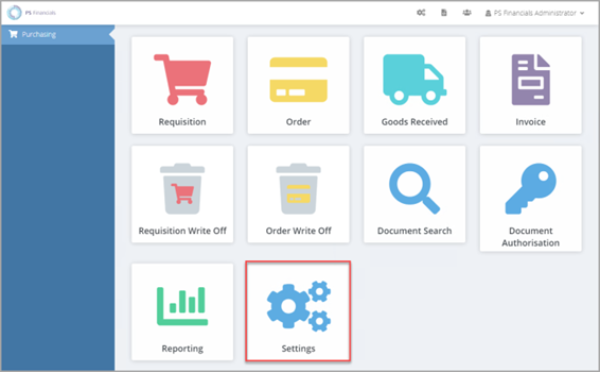
- The Purchase Settings panel opens consisting of various tabs used to apply relevant settings. The General tab opens by default.
- In Discount mode, select either Percentage or Value.
- Select Save to save your changes.