Set authorised documents to be posted to books
In IRIS Financials Purchasing you can set Register documents that are approved to be automatically posted to the Books.
- From the IRIS Financials Purchasing Home page, select the Settings icon.
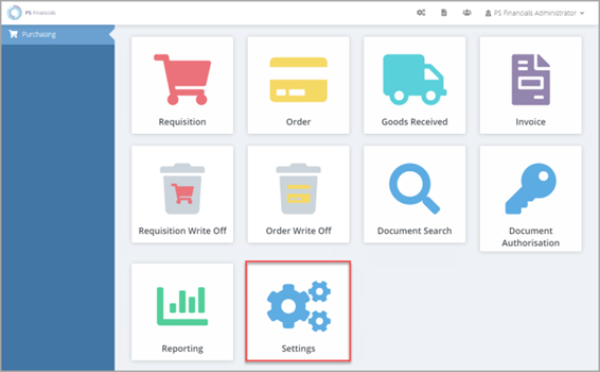
- The Purchase Settings panel opens consisting of various tabs used to apply relevant settings. Select the General tab.
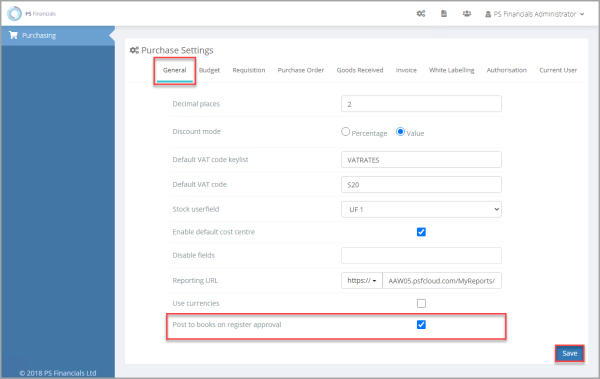
- Select Post to books on register approval, then select Save. If this option is deselected the document in the Register has to be manually posted to an accounting period at a later date.
Leaving this box unchecked leaves the document in Register. This allows for a tiered authorisation process. The Post to books on register approval option must be left deselected for the tiered approval process to work for Purchase Invoice (POIN) documents.