Rebuild commitments
CUSTADMIN access only
If required, you can produce a Current Commitments report from the Reporting Suite, which can then be printed.
- From the Home page, select the Settings icon on the toolbar.
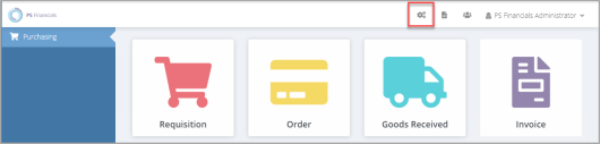
- The Settings page opens. In the Maintenance panel, select Start in the Rebuild Commitments section.
- A Confirm message appears. Select Yes to rebuild all commitment values.
A message appears advising that the commitment rebuild is running. The commitments are then recalculated, and the new value appears when the trial balance is next run.