Make a delivery address mandatory in purchasing documents
CUSTADMIN access only
When creating requisitions and purchase orders, you can apply a setting which makes the addition of a deliver address mandatory. This can be particularly useful if your establishment / organisation has multiple delivery locations.
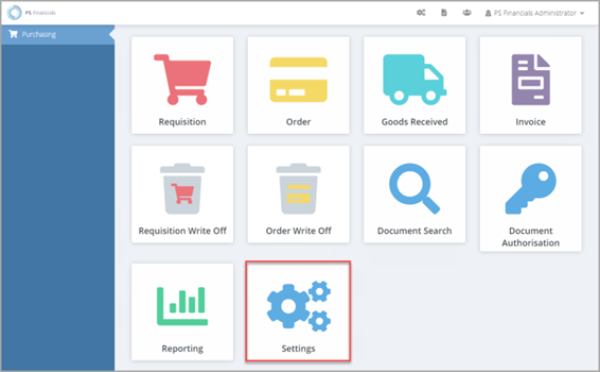
- From the Home page, select Settings.
- The Purchase Settings panel opens. Select the Requisition or Purchase Order tab. You need to repeat this process for both types of document if you want the delivery address to be mandatory for both.
- Select Yes adjacent to Require delivery.
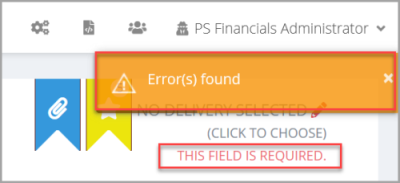
- When you post a document, if you have not selected a delivery address, this error message appears together with a message advising that the field is required.