Manage cookies for IRIS Financials
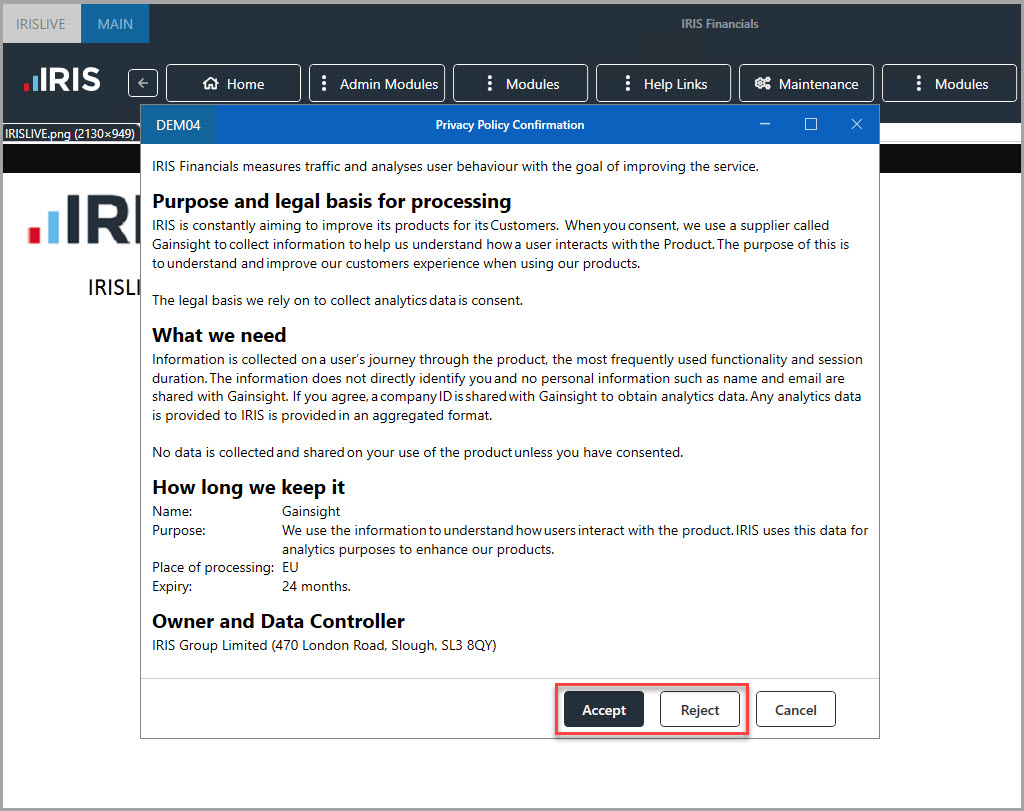
IRIS Financials uses a cookie to display in-product messages and help guides. For more information about how IRIS Financials uses cookies, go to Home, then select Privacy Policy.
The cookie is automatically switched on if you Accept cookies after logging in.
Change your cookie settings
If you want to turn the cookie on or off after you previously accepted or rejected it, go to Home, then select Privacy Policy.
By turning off the cookie, in-product messages and help guides are not displayed until you turn the cookie back on.