Lock and unlock the application
The IRIS Financialssoftware includes a security function that allows you to lock the application but continue using your computer. When the software is locked, any processes or screens that are running remain open and you can continue them when you unlock the software.
- Select Home, then select Lock application from the menu.
- An Unlock message appears and the screen space behind is blurred.
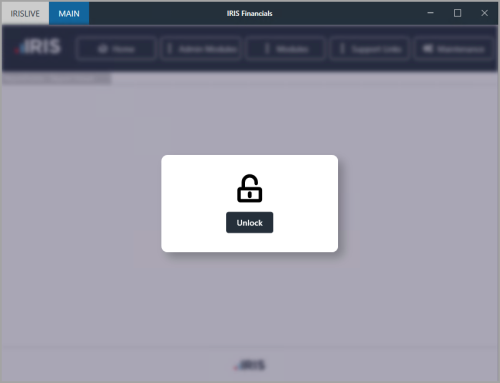
- Select Unlock to unlock the application. The Application Locked dialog opens. Enter your IRIS FinancialsPassword, then select OK.