Post POIN documents not showing in accounting using MyPortal manually
There may be instances where a Purchase Invoice is posted in MyPortal but no corresponding POIN is posted to the supplier account in Accounting.
This is caused by attempting to post an INV document where the Accounting or VAT periods are closed, or where the system has picked up a duplicate invoice number is being posted.
In the example below, the invoice has been entered in July 2017:
In Accounting, July 2017 is at access level 9 which is a closed status.
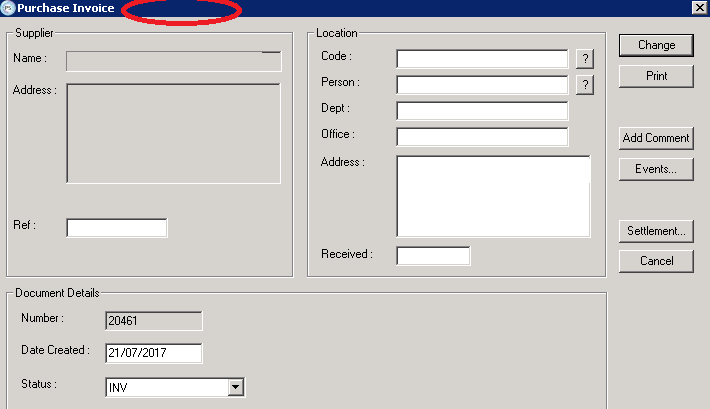
If we look in Distribution for the Invoice, we can see there is no POIN number across the top of the document:
In order to manually post this document into Accounting you will need to ensure the relevant Accounting or VAT period is open. Your local PSFADMIN or CUSTADMIN may need to do this for you.
When this has been opened, in Accounting go to Masters > Document Types and select the POIN document.
On the Input sign reversal section, change this to First as shown below and click Change at the bottom:
In Distribution, select into the Address field on the invoice and press the Spacebar on the keyboard and then select Change.
You should now see a window pop up allowing you to select the date and period to post the POIN into:
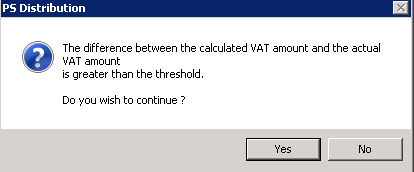
If you see the message below, just select OK to close the window:
Once the document has posted when you check the Invoice again in Distribution, you should now see the POIN number at the top of the window which was previously missing.
You just need to log back into Accounting and revert the Input Sign Reversal back to None and select Change.