View or change your subscription
You can view or change your subscription at any time.
-
Go to Settings and select Manage subscription.
-
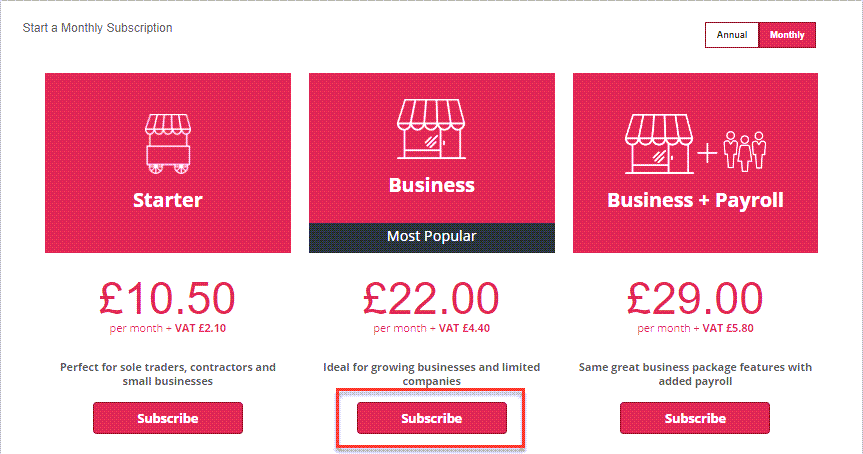
From the Start a Subscription section, you can view details of each subscription type. Switch between Annual or Monthly billing options. Select Subscribe if you want to change to a different subscription.
-
A message will confirm that you want to switch and indicate the date when your account will switch. This is the renewal date of your current subscription - this ensures that you don't pay twice.