|
 |
|
|
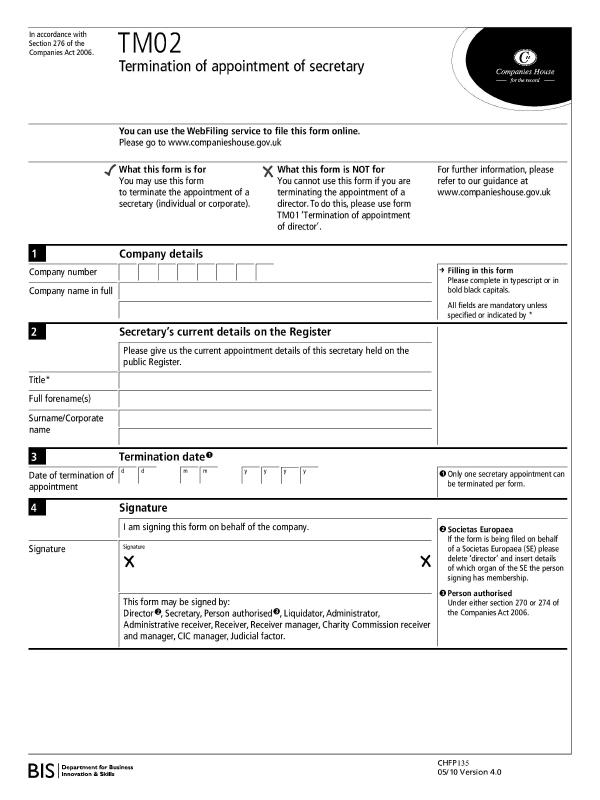
The company number and the full name is required, followed by the current
details of the secretary- title and full name- and the date of termination
of appointment.
Go to Edit | Director/Secretary,
select Secretary tab, highlight
the relevant secretary and click View.
Insert a To date, which is the
date of termination and ensure that the Record
on history for affected clients field is ticked. Click Update,
the Termination screen displays.
Make a selection for whether the secretary resigned, was removed from
office or deceased and click OK.
This saves the changes and activates a completed 288b form.
To display a form with basic details go to Reports | Forms with Basic Details | Form 288b - Terminating Appointment as Director or Secretary. The form opens in Microsoft Word showing the basic details which are the company name, the registered number and the Companies House contact details.
To display a blank form go to Reports | Blank Forms | Form 288b - Terminating Appointment as Director or Secretary. This opens the completely blank form into Microsoft Word.
Click on any area of the form for additional information: